OASIS product site
OpenClaw
A collaborative workspace for environmental data science, working groups, and agent-supported synthesis.
OpenClaw brings together a local scientific runtime, a shared agent workspace, and a publication path that keeps reviewed outputs separate from drafts, notes, and large data.
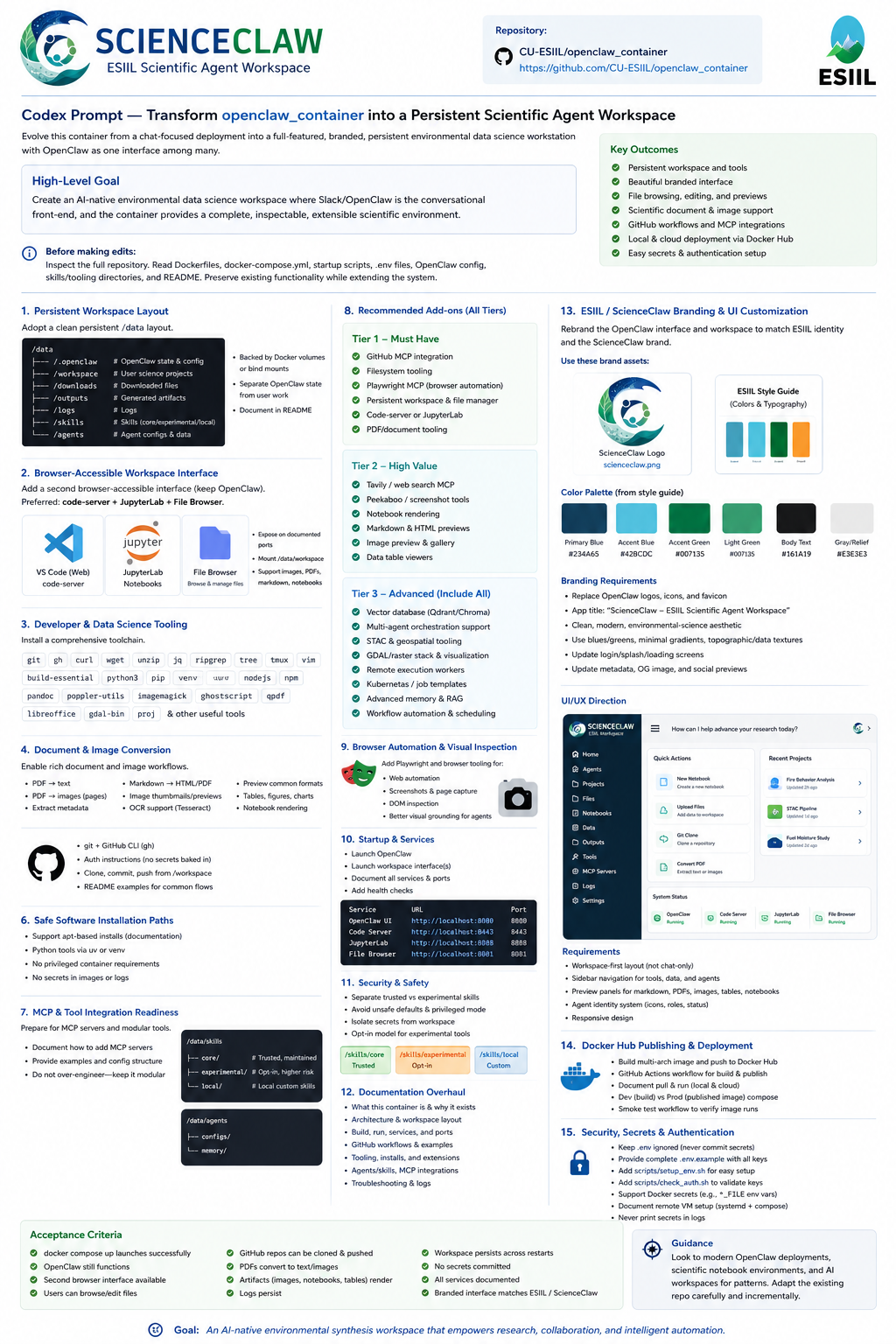
A field-ready collaboration space
OpenClaw is built to feel like part of the OASIS ecosystem: calm enough for onboarding, structured enough for scientific review, and flexible enough for real projects, repositories, and outputs.
Start Here
Learn the system in a few minutes
The fastest path is simple: understand the workspace, launch it locally, and choose the right path for your role.
See the full picture first: container, agent workspace, and scientific collaboration layer.
Understand the system
Follow the calm startup path, connect to the main chat page, and avoid the common first-run traps.
Launch quickly
Pick the right entry point for scientists, working group leads, maintainers, and customizers.
Find your route
Use OpenClaw
Run the workspace without learning the whole stack
These pages cover the daily experience: start the local system, find files, manage repositories, and keep project memory in predictable places.
Bring up the local stack, connect to the main gateway, and keep Docker details lightweight.
Run OpenClaw
Browse the private workspace, inspect outputs, and understand what belongs in each area.
Manage files
Authorize project repositories, clone them into the workspace, and keep contributions bounded.
Manage GitHub
Learn the repository, workspace, output, and storage boundaries that keep the system legible.
Place work well
Use lightweight documents to preserve memory, handoffs, and review-ready state.
Keep context
Designed for synthesis teams
Working groups are the heart of the site. OpenClaw is most useful when it supports a project team, not just a single terminal session.
Working Groups
Build a scientific working group, not just a chat session
OpenClaw’s strongest feature is its working-group model: one human-facing PI Liaison, bounded specialist roles, shared project files, and clear review gates before anything becomes public.
Start from a reusable working-group structure with memory, decisions, review files, and project scaffolding.
Spawn a project
Meet the PI Liaison and the supporting roles that keep questions, analysis, and review organized.
See the roles
Keep risky actions, publication decisions, and sensitive claims behind clear human approval points.
Protect the workflow
Track figures, reports, logs, tables, and metadata so every output stays inspectable and traceable.
Review outputs
Promote reviewed artifacts into public docs without mixing private drafts into the published site.
Publish science
Data and Storage
Keep data large, discoverable, and separate from project memory
Use the storage model to decide what belongs in git, what belongs in the workspace, and what should stay in mounted or remote storage.
Learn the three-zone layout: repository, workspace, and external storage.
See the model
Mount project folders narrowly and keep the agent-visible surface as small as possible.
Use local data
Connect remote stores without turning the repository into a dumping ground for bulky artifacts.
Connect storage
Prefer discovery and lazy access patterns before downloading large environmental datasets.
Work at scale
Keep credentials local, documented, and separate from reports, screenshots, and markdown memory.
Handle secrets safely
Maintainer / Advanced
Customize and extend when you need to
All the technical depth is still here. It is simply quieter in the navigation and lower on the page.